# plt_set
设置图形对象属性
函数库: TyPlot
# 语法
plt_set(H,Key,Value)
plt_set(H,KeyArray,ValueArray)
plt_set(H;Key=Value)
# 说明
plt_set(H,Key,Value) 为 H 标识的对象指定其 Key 属性的值。使用时 Key 必须为字符串格式,例如,plt_set(H,"color","red")。如果 H 是对象的向量,则 plt_set 会为所有对象设置属性。如果 H 为空(即 []),plt_set 不执行任何操作,但不返回错误或警告。 有关您可以设置的属性的详细信息,请参阅每个对象的属性页,例如 figure 属性、axes 属性、line 属性 和 text 属性。
plt_set(H,KeyArray,ValueArray) 使用数组 KeyArray 和 ValueArray 指定多个属性值。要为 m 个图形对象中的每个图形对象设置 n 个属性值,请将 ValueArray 指定为 m×n 的数组,其中 m = length(H),而 n 等于 KeyArray 中包含的属性名的数量。
plt_set(H;Key=Value) 使用一个或多个名称-值对组参数指定属性。例如 plt_set(H;color="red",linestyle=":")。
# 示例
更改特定线条的颜色
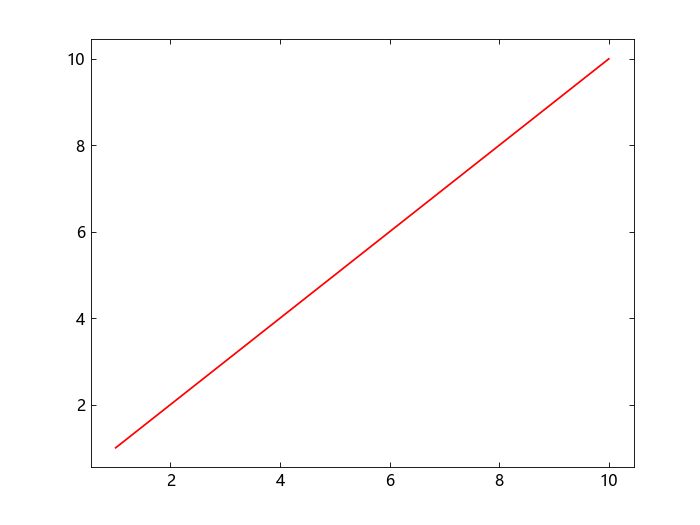
绘制一个线条并以 p 的形式返回图形线条对象。将行的 color 属性设置为 "red"。
using TyPlot
p = plot(1:10);
plt_set(p, "color", "red")
更改 x 轴的属性
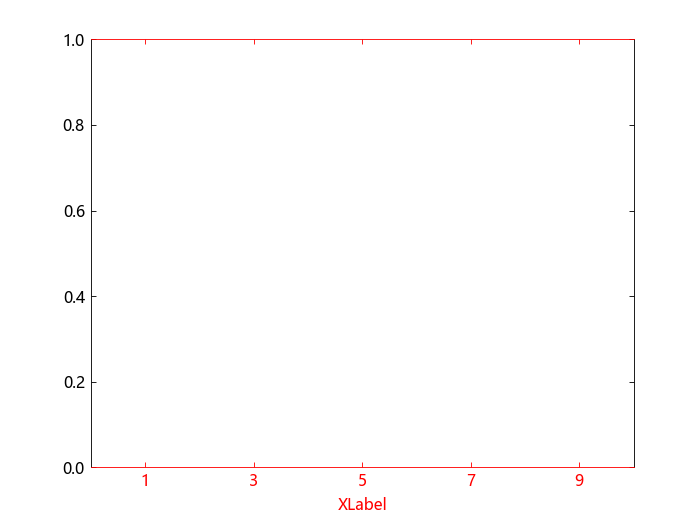
修改 x 轴的 label、tick、color。
using TyPlot

ax = gca()
xlabel("XLabel")
xlim(0, 10)
plt_set(ax, "xtick", [1, 3, 5, 7, 9])
plt_set(ax, "xcolor", "r")
更改多个线条的颜色
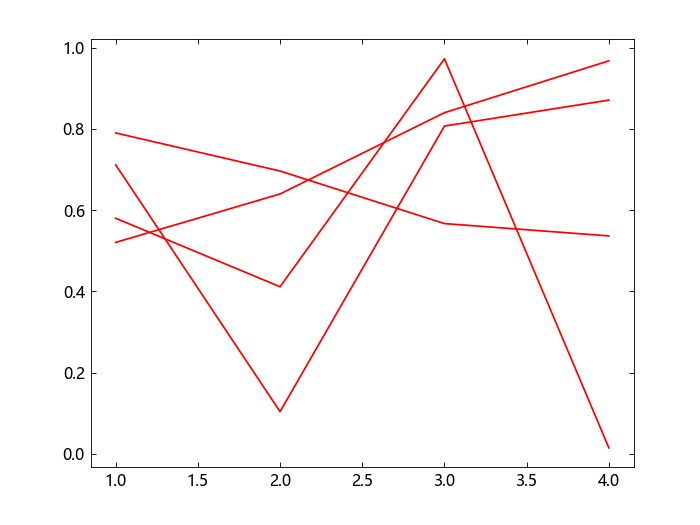
使用随机数据创建一个包含四个线条的图形,并将这四个线条对象返回至 P。将所有线条的 color 属性设置为 "red" 。
using TyPlot
p = plot(rand(4, 4))
plt_set(p, "color", "red")
修改两个 y 轴的颜色
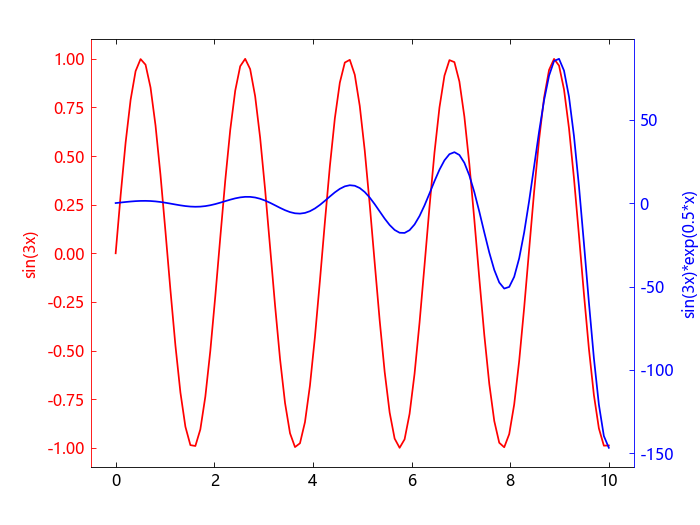
绘制带有两个 y 轴的数据图。当前激活轴为右侧 y 轴,使用 plt_set 函数设置右侧 y 轴的颜色。然后使用 yyaxis("left") 激活左侧 y 轴,修改左侧 y 轴的颜色。
using TyPlot
x = LinRange(0, 10, 100);
y = sin.(3 .* x);
yyaxis("left");
plot(x, y; color="red")
ylabel("sin(3x)")

z = sin.(3 * x) .* exp.(0.5 * x);
yyaxis("right");
plot(x, z; color="blue")
ylabel("sin(3x)*exp(0.5*x)")

plt_set(gca(); ycolor="blue")
yyaxis("left")
plt_set(gca(); ycolor="red")
为多个线条的线型设置为不同的值
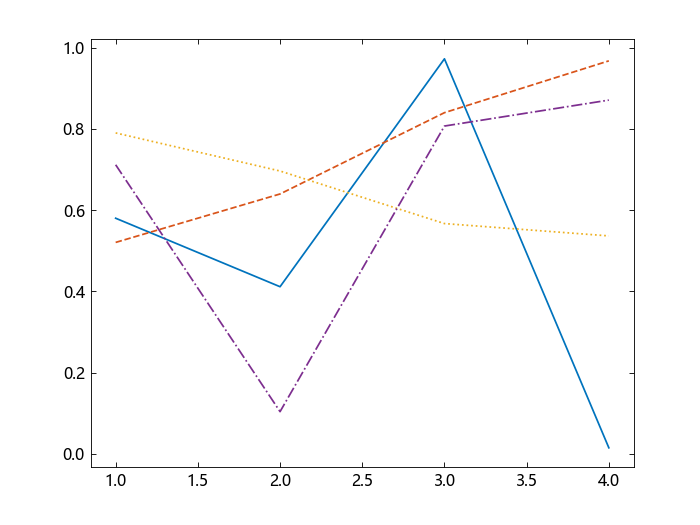
将四个图形线条对象的 linestyle 属性值分别设为不同的值。转置数组值,使其拥有合适的形状。
using TyPlot
P = plot(rand(4, 4));
KeyArray = ["linestyle"];
ValueArray = ["-", "--", ":", "-."];
plt_set(P, KeyArray, ValueArray)
更改线条的颜色和线型
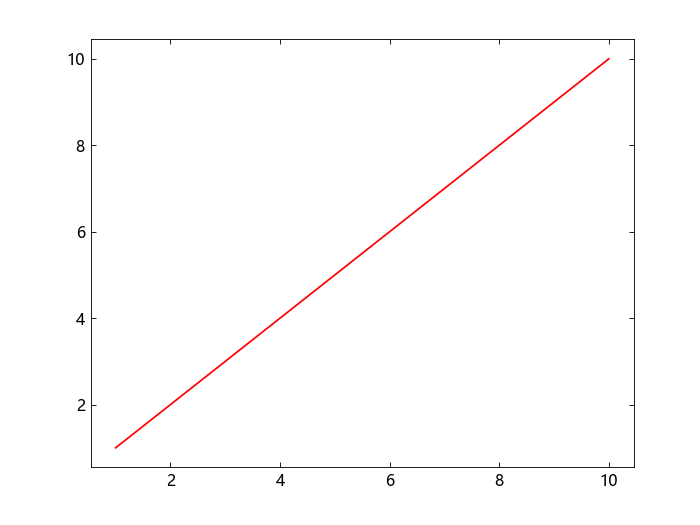
绘制一个线条并以 p 的形式返回图形线条对象。将它的 color 属性设置为 "red", linestyle 属性设置为 "-"。
using TyPlot
p = plot(1:10);
plt_set(p; color="red", linestyle="-")
为多个对象的多个属性设置不同值
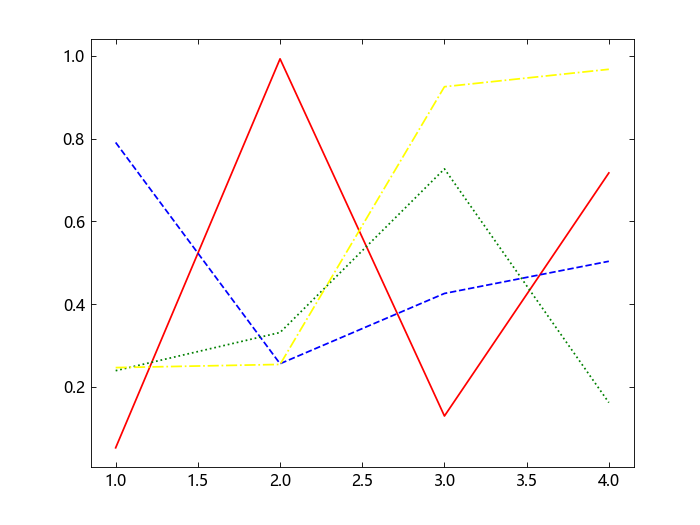
using TyPlot
P = plot(rand(4, 4));
NameArray = ["color", "linestyle"];
ValueArray = ["red" "-"; "blue" "--"; "green" ":"; "yellow" "-."];
plt_set(P, NameArray, ValueArray)
# 输入参数
H - 图形对象句柄图形对象句柄 | 图形对象句柄数组
H 可以是单个对象或 m×n 数组。 当前 H 支持传入的对象有 Figure | Axes | Line | Text。
Key - 属性名称
Value - 属性值
Value 为图形对象 H 支持设置的属性的属性名称为 Key 的属性所要设置的属性值。
# 另请参阅
findobj | gca | gcf | plt_get | figure 属性 | axes 属性 | line 属性 | scatter 属性 | surface 属性 | text 属性 | histogram 属性 | bar 属性 | contour 属性 | stem 属性 | image 属性