# plt_print
打印图窗或保存为特定文件格式
函数库: TyPlot
# 语法
plt_print()

plt_print(filename)

plt_print(printer)

plt_print(fig,___)
# 说明
plt_print(filename) 使用指定的文件格式将当前图窗保存到文件中,例如 plt_print("BarPlot","-dpng")。如果该文件不包括扩展名,则 plt_print 会附加适用的扩展名。示例
plt_print 将当前图窗输出到默认打印机。
plt_print(printer) 指定打印机。将打印机指定为字符向量或字符串,其中包含以 -P 开头的打印机名称,例如 "-Pmy printer"。该打印机必须已设置在您的系统上。
plt_print(fig,___) 保存或打印 fig 指定的图窗。示例
# 示例
打印图窗纸张副本
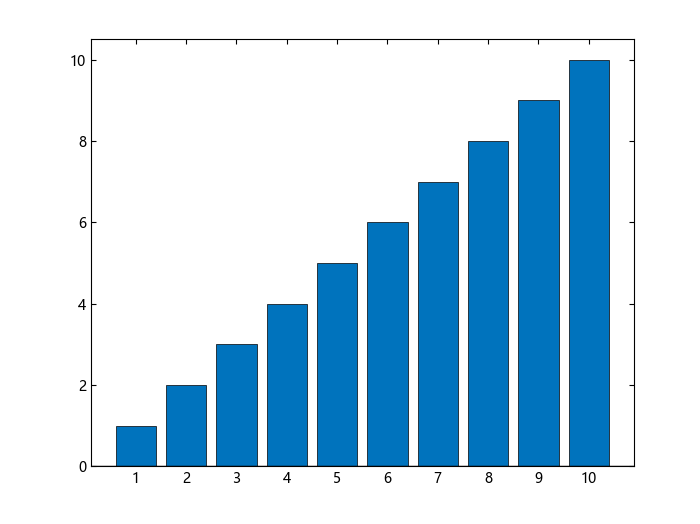
创建一个条形图并将其输出到系统默认打印机。如果您不指定要打印的图窗,则 print 使用当前图窗。
using TyPlot
bar(1:10)
plt_print()
将图窗另存为图像文件
创建一个绘图并将其另存为 PNG 图像文件。
using TyPlot
bar(1:10);
plt_print("BarPlot", "-dpng")
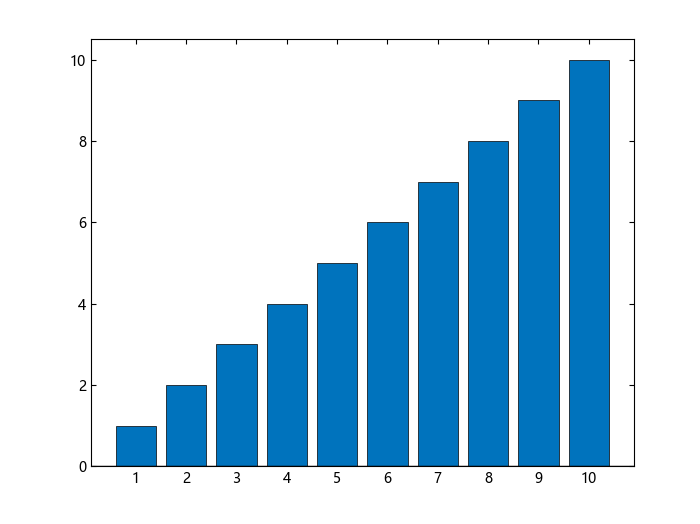
plt_print 将绘图另存为 BarPlot.png。
将图窗另存为向量图形文件
创建一个绘图并将其另存为封装的 eps 文件。
using TyPlot
bar(1:10);
plt_print("BarPlot", "-deps")
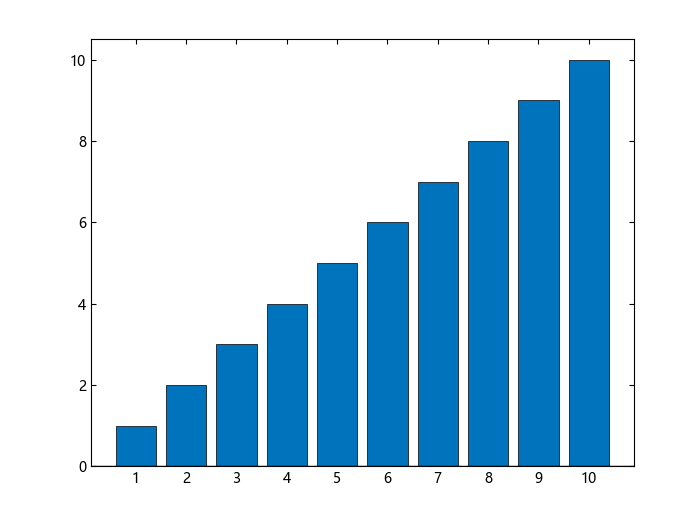
plt_print 将绘图另存为 BarPlot.eps。
指定要保存的图窗
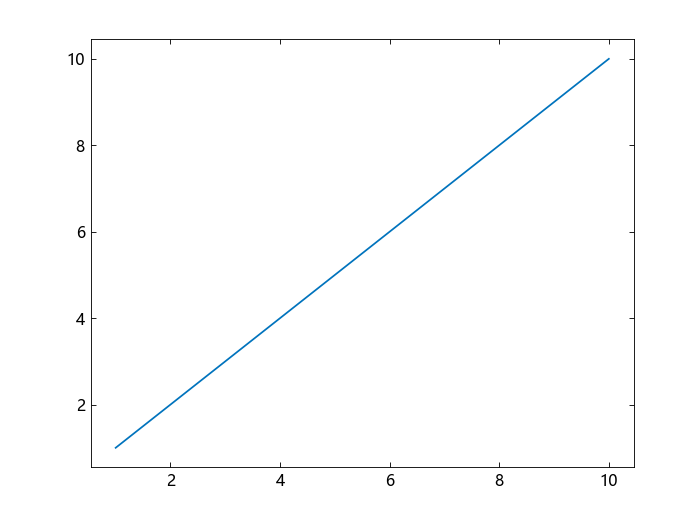
通过将特定图窗的对象变量传递到 plt_print 来保存该图窗。
using TyPlot
fig = figure();
plot(1:10)
plt_print(fig, "MySavedPlotx", "-dpng")
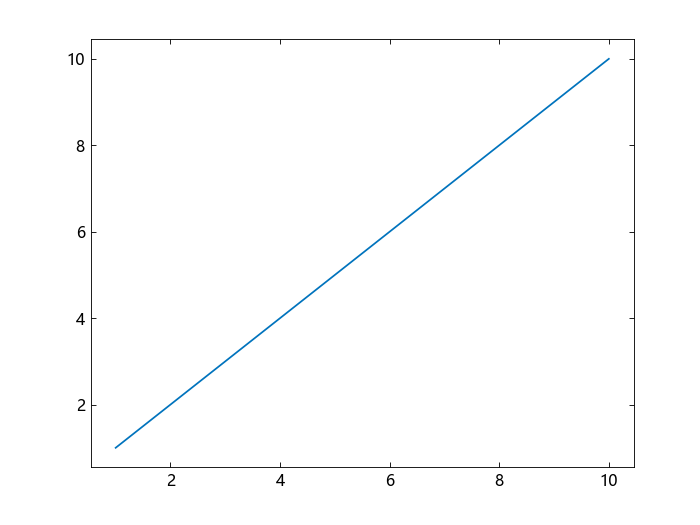
例如,保存图窗并在标题栏中显示 Figure 2。
f2 = figure(2);
plot(1:10)
plt_print(f2, "MySavedPlot", "-dpng")
保存填满页面的图窗
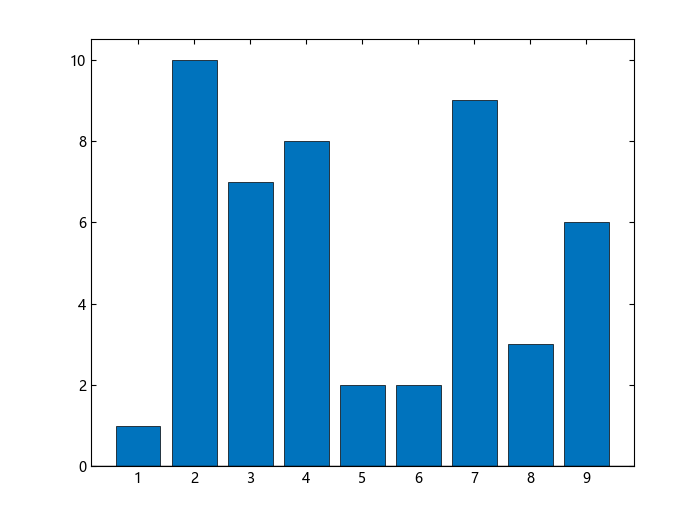
保存填满页面的图窗。
using TyPlot
bar([1 10 7 8 2 2 9 3 6]);
plt_print("FillPageFigure", "-dpdf")
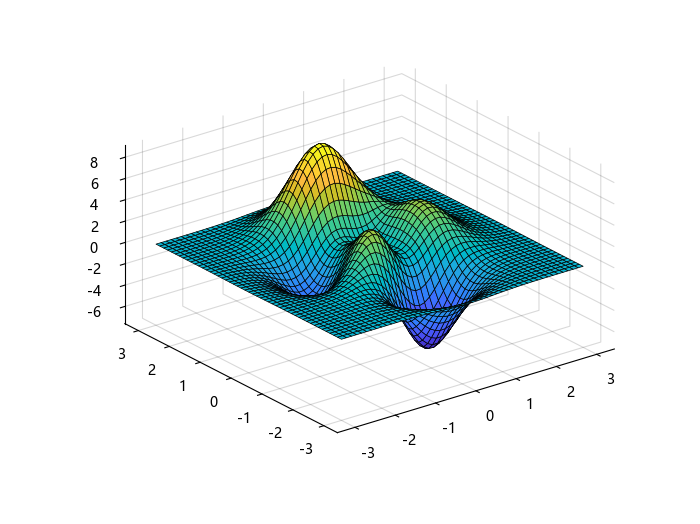
返回图窗的RGB图像数据
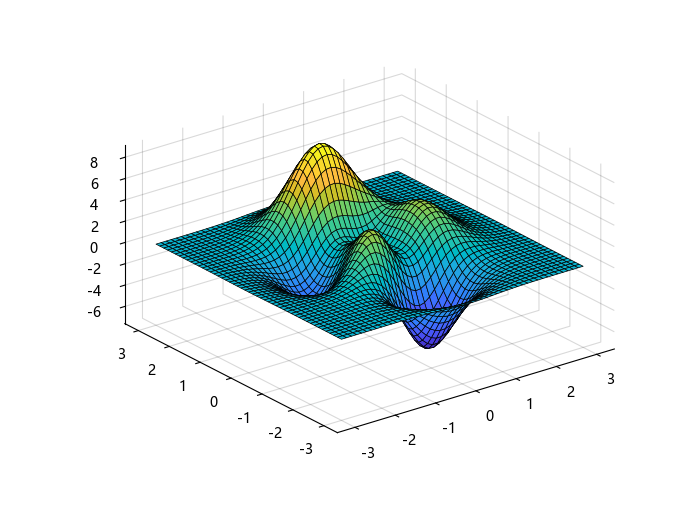
返回图窗的 RGB 图像数据。
using TyPlot
X, Y, Z = peaks();
surf(X, Y, Z);
cdata = plt_print("-RGBImage");
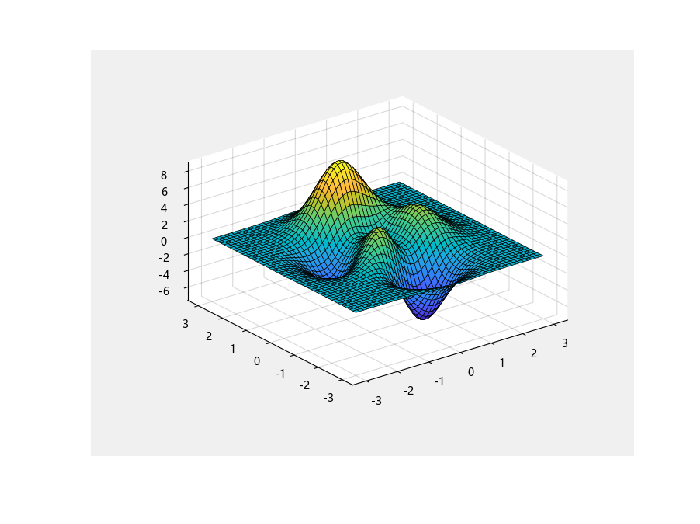
使用 imshow 以完全分辨率显示图像数据。
using TyImages
figure();
imshow(cdata)
创建高分辨率影片帧
创建一个曲面图。返回图窗的 RGB 图像数据,并指定图像分辨率。然后,将图像数据转换为影片帧 F。
using TyPlot
X, Y, Z = peaks();
surf(X, Y, Z);
cdata = plt_print("-RGBImage");

using TyImages
F = im2frame(cdata);
# 输入参数
filename - 文件名字符串
文件名,指定为字符串,其中包含所需的文件名和路径。
示例: "My Saved Chart"
示例: "Folder\My Saved Chart"
文件名最大长度(包括路径)特定于操作系统和文件格式。通常,文件名不应超过 126 个字符,如果您包括路径,则不应超过 128 个字符。
数据类型: string
printer - 打印机名称字符串
打印机名称,指定为字符串,其中包含 -P 和打印机名称。
示例: "-Pmy local printer"
如果您不指定打印机,则 print 使用系统默认打印机。
数据类型: string
fig - 图窗图窗对象
图窗对象。您可以使用图窗的对象变量名称引用该图窗。
# 详细信息
当前图窗
当前图窗通常是您最近一次创建或用鼠标点击的图窗。通过用户交互方式可以更改当前图窗。
要打印特定图窗,请将该图窗指定为第一个输入参数。如果不指定图窗,则 print 将作用于由 gcf 返回的图窗。