2026a
# hide
隐藏窗口
函数库: TyCommunication
# 局限性
版本支持
本函数暂不支持在 Syslab Online 版本上调用。
# 语法
hide(ed)
# 说明
hide(ed) 隐藏窗口。
# 示例
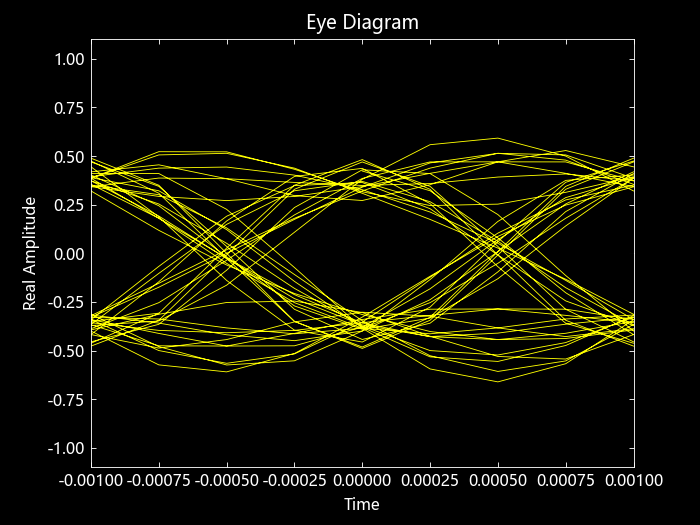
隐藏和显示眼图
指定采样率和每个符号的输出采样数。
using TyCommunication
using TyMath
using TyBase
rng = MT19937ar(1234)
fs = 1000
sps = 4
生成发送滤波器和眼图结构体。
txfilter = comm_RaisedCosineTransmitFilter(; OutputSamplesPerSymbol=sps)
ed = comm_EyeDiagram(; SampleRate=fs * sps, SamplesPerSymbol=sps)
生成随机信号并使用 QPSK 调制。然后对调制信号进行滤波并隐藏眼图。
data = randi(rng, [0 3], 1000, 1)
modSig = pskmod(data, 4, pi / 4)

txSig = step(txfilter, modSig)
step(ed, txSig)
hide(ed)
显示眼图。
show(ed)
隐藏和显示星座图
生成 16-QAM 参考星座和要显示的信号。
using TyCommunication
using TyMath

rng = MT19937ar(5489)
M = 16
xRef = (0:(M - 1))'
refConst = qammod(xRef, M)
signal = randi(rng, [0 M - 1], 1000, 1)
创建星座图系统对象,使用名称-值对指定星座参考点和坐标轴限制。
scope = comm_ConstellationDiagram(;
    ReferenceConstellation=refConst, XLimits=[-4 4], YLimits=[-4 4]
)
使用 QAM 对随机数据信号进行调制。在 QAM 符号中添加高斯白噪声。用星座图对象显示 QAM 符号和噪声符号。
sym = qammod(signal, M)
rcv = awgn(rng, sym, 20, "measured")
step(scope, [sym rcv])
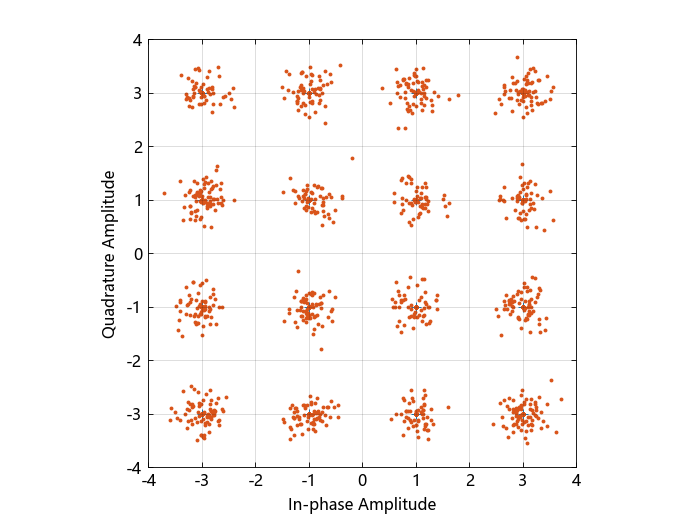
隐藏星座图范围窗口。
if (isVisible(scope))
    hide(scope)
end
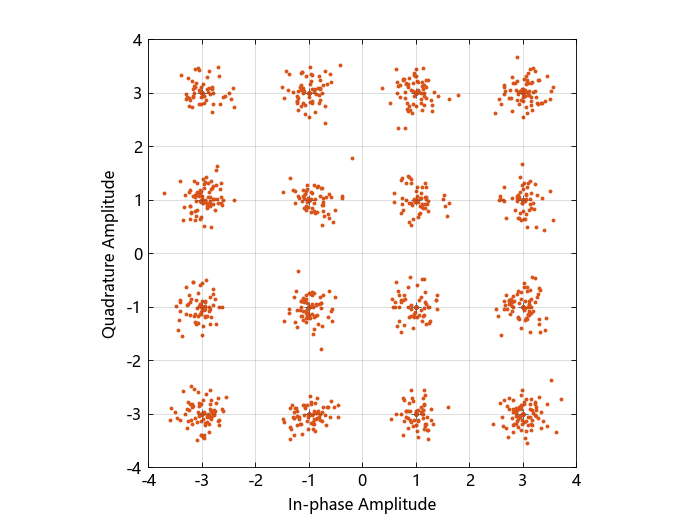
显示星座图范围窗口。
if (!isVisible(scope))
    show(scope)
end
# 输入参数
ed - 系统对象眼图统对象 | 星座图结构体系统对象
系统对象。