2026a
# imfill
填充图像区域和孔
函数库: TyImages
# 语法
BW2 = imfill(BW)
BW2 = imfill(BW,locations)
BW2 = imfill(BW,locations,conn)
BW2 = imfill(BW,"holes")
BW2 = imfill(BW,conn,"holes")
I2 = imfill(I)
I2 = imfill(I,conn)
# 说明
BW2 = imfill(BW,locations) 从 locations 中指定的点开始,对输入二值图像 BW 的背景像素执行泛洪填充运算。
BW2 = imfill(BW,locations,conn) 填充由 locations 定义的区域,其中 conn 指定连通性。
BW2 = imfill(BW,"holes") 填充输入二值图像 BW 中的孔。在此语法中,孔是无法通过从图像边缘填充背景来到达的一组背景像素。
BW2 = imfill(BW,conn,"holes") 填充二值图像 BW 中的孔,其中 conn 指定连通性。
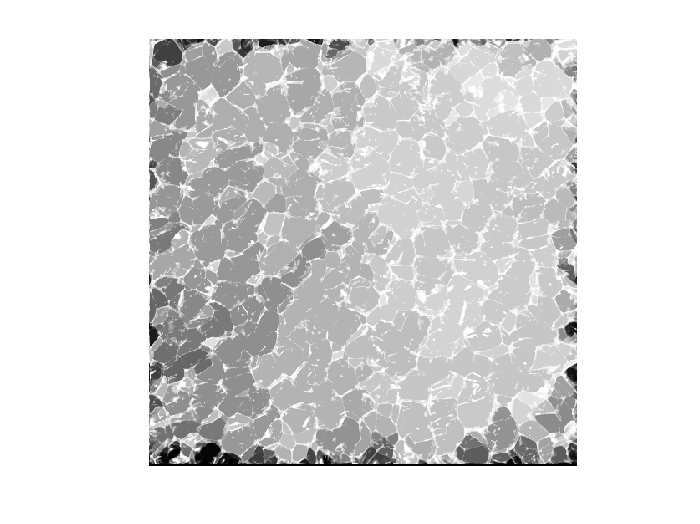
I2 = imfill(I) 填充灰度图像 I 中的孔。在此语法中,孔定义为由较亮像素包围的一个暗像素区域。
I2 = imfill(I,conn) 填充灰度图像 I 中的孔,其中 conn 指定连通性。
BW2 = imfill(BW) 在屏幕上显示二值图像 BW,并允许您通过用鼠标以交互方式选择点来定义要填充的区域。要使用此语法,BW 必须为二维图像。 按 Backspace 或 Delete 键删除之前选择的点。按住 Shift 键点击、右键点击或双击以选择最后一个点并开始填充运算。按 Return 键完成选择,无需添加点。
# 示例
从指定的起点填充图像
using TyImages
BW1 = Bool[
    1 0 0 0 0 0 0 0
    1 1 1 1 1 0 0 0
    1 0 0 0 1 0 1 0
    1 0 0 0 1 1 1 0
    1 1 1 1 0 1 1 1
    1 0 0 1 1 0 1 0
    1 0 0 0 1 0 1 0
    1 0 0 0 1 1 1 0
];
BW2 = imfill(BW1, (3, 3), 8)
8×8 BitMatrix:
 1  0  0  0  0  0  0  0
 1  1  1  1  1  0  0  0
 1  1  1  1  1  0  1  0
 1  1  1  1  1  1  1  0
 1  1  1  1  1  1  1  1
 1  0  0  1  1  1  1  0
 1  0  0  0  1  1  1  0
 1  0  0  0  1  1  1  0
填充二值图像中的孔
将图像读入工作区。
using TyImages
pkg_dir = pkgdir(TyImages)
source_path = pkg_dir * "/examples/resources/blobs.gif"
I = imread(source_path);
imshow(I)
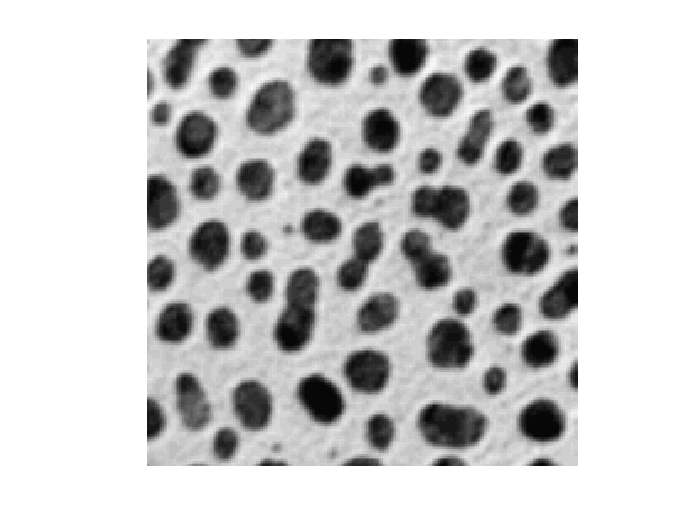
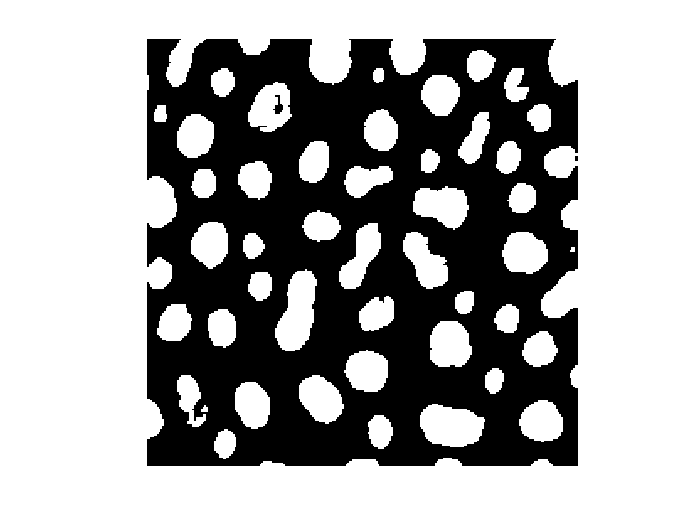
将图像转换为二值图像。
BW = rgb2gray(I) .< 100;
imshow(BW)
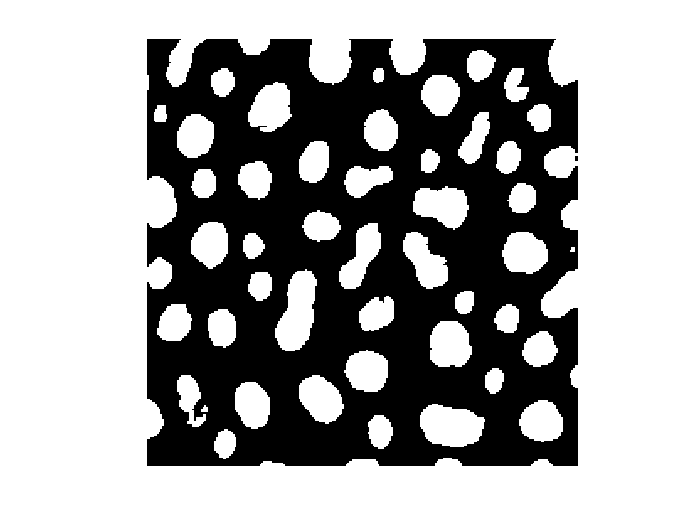
填充二值图像中的孔并显示结果。
BW2 = imfill(BW,"holes");
imshow(BW2)
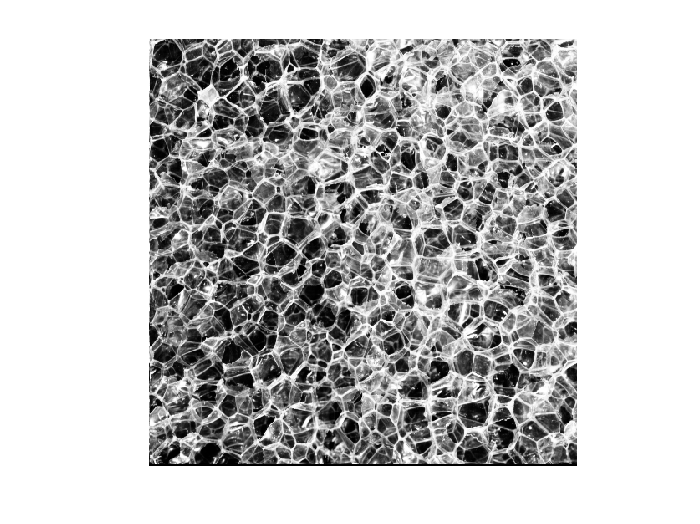
填充灰度图像中的孔
using TyImages
pkg_dir = pkgdir(TyImages)
source_path = pkg_dir * "/examples/resources/plastic_bubbles_he_512.tiff"
I = imread(source_path);
imshow(I)
I2 = imfill(I);
imshow(I2)